Seller Dashboard
The Seller Dashboard is your central command center for managing your digital business on Odude. From here, you can oversee your inventory and keep track of incoming orders.
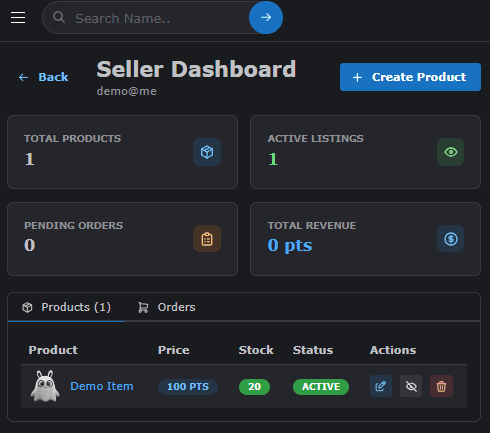
Products Tab
The Products tab is where you manage all your listings. Here, you can:
- View Listings: See all the products you have created, their current status (Active/Inactive), and prices.
- Edit Products: Update product details, pricing, or descriptions at any time.
- Delete/Archive: Remove products that are no longer available for sale.
- Add New: Quickly navigate to the creation page to list a new digital asset.
Orders Tab
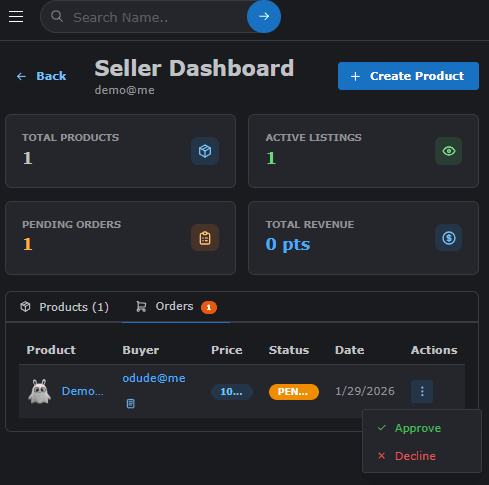
The Orders tab allows you to monitor all sales transactions. This section is crucial for fulfillment and customer service.
- Pending Orders: View orders that are currently in progress or awaiting action.
- Completed Sales: Access a history of all successfully completed transactions.
- Order Details: Click on any order to see specific buyer information, delivery status, and timestamps.
- Status Updates: Change the status of an order as you process it (e.g., from Pending to Shipped/Delivered).
Last updated on